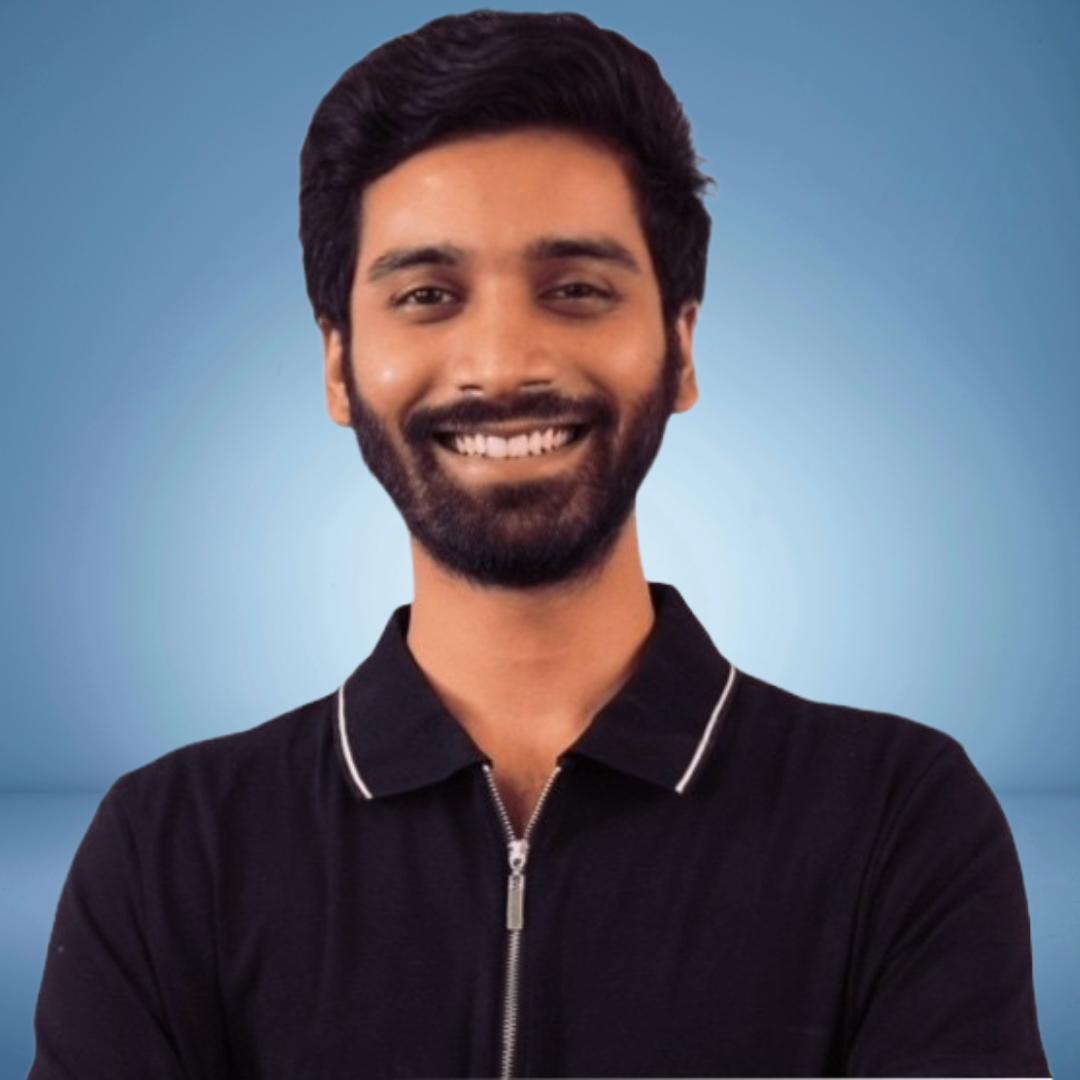
Arnav Mathur
- Role
Art Director
- Years of Experience
7.7 years
- Professional Portfolio
View here
Skillsets
- Branding
- Adobe Illustrator
- Adobe Photoshop
- Adobe XD
- Art Direction
- Figma
- Framer
- Human-Computer Interaction
- UI/UX
- UI/UX
Professional Summary
- Jan, 2024 - Jun, 20262 yr 5 months
Art Director
Armat Design Studio - Aug, 2022 - Jan, 20241 yr 5 months
Senior Digital Designer
Grassdoor - Sep, 2019 - Apr, 20222 yr 7 months
Assistant Design Manager
JK Lakshmipat University - Oct, 2018 - May, 2019 7 months
Junior Designer
Fabulous Media - Mar, 2019 - Aug, 2019 5 months
Creative Designer
Tirbari by Symetree
Applications & Tools Known

Figma
Adobe Illustrator
Adobe Photoshop

Adobe XD

Adobe Creative Suite
Adobe Photoshop
Adobe Illustrator
Adobe After Effects
Adobe Premiere Pro

Cinema 4D
Blender

Sketch

InVision

Midjourney
Adobe Creative Suite
After Effects


Work History
Art Director
Armat Design StudioSenior Digital Designer
GrassdoorAssistant Design Manager
JK Lakshmipat UniversityCreative Designer
Tirbari by SymetreeJunior Designer
Fabulous MediaAchievements
- Foundations of User Experience (UX) Design – Google
- Foundations of User Experience (UX) Design - Google
- Foundations of User Experience UX Design – Google
- Foundations of User Experience UX Design Google
Testimonial
JK Lakshmipat University
A BalasubramaniamI remember interviewing Arnav. He seemed earnest and raring to go. He worked for the Institute of Design at JKLU, initially and grew into a larger role for the university, as their official graphic designer. What goes for Arnav is his quest to learn and he is quick to catch on. He is very creative and loves being independent. He made extensive contributions to the University's literature and social media posts.
He will be an asset wherever he goes. You have to keep him busy so that he doesn't get bored on the job. I wish him well for his future.
Major Projects
Tasya Logo Design
Tasya- Client Brief: I kick off the process by having a detailed conversation with you, understanding the brand's ethos, values, and the specific blend of Western and Indian influences you want to convey.
- Research and Inspiration: I dive into researching textile patterns, traditional motifs, and current fashion design trends. I seek inspiration from various sources to ensure a well-rounded design that aligns with your brand.
- Sketching and Ideation: With insights in hand, I start sketching out rough concepts on paper. I explore various combinations of Western and Indian elements, playing with shapes and symbols that could encapsulate the essence of your brand.
- Digital Exploration: The most promising sketches transition into a digital format using design software. This stage allows for more precise detailing and experimentation with color schemes, ensuring the design translates well on screen.
- Color Palette Development: I carefully choose a color palette that not only reflects the brand's personality but also resonates with the dual nature of Western and Indian wear. Consideration is given to colors that evoke emotions and align with your target audience.
- Typography Integration: I select or customize typography that complements the logo design, ensuring the font enhances the overall aesthetic and readability.
- Feedback Loop: I share the initial digital concepts with you for feedback. This iterative process is crucial for refining and fine-tuning the design based on your insights.
- Refinement and Iteration: I incorporate your feedback and iterate on the design. This may involve tweaking colors, adjusting proportions, or refining details to ensure the final design aligns perfectly with your vision.
- Presentation Mockups: I develop presentation mockups to showcase how the logo would appear in various contexts, such as business cards, clothing tags, or website headers. This helps visualize the logo's versatility.
- Finalization: Together, we make final adjustments to the logo based on our collaborative refinement process, ensuring it's scalable and effective across different mediums.
- Trademark Considerations: I conduct a thorough trademark search to ensure the logo is unique and legally sound. This is a crucial step to avoid any potential legal issues down the road.
- Delivery and Style Guide: I present the final logo along with a comprehensive style guide that outlines proper usage, color codes, and typography. This guide ensures consistency in brand representation.
- Post-Launch Support: I offer post-launch support to address any unforeseen issues or modifications that may arise as the logo is implemented across various platforms.
- The goal is to create a logo that not only captures the essence of your brand but also resonates with your audience, leaving a lasting impression.
KARMA Party Flyer in Russia
KARMA- Alright, let's cook up a sick flyer for our banging techno party. First things first, I'm diving into the depths of my imagination to figure out the vibe. Neon futuristic or gritty underground? Decisions, decisions.
- Got it, time to slap on a headline that's as bold as the beats we're gonna drop. How about something like "Techno Odyssey: A Night of Sonic Bliss"? Yeah, that sounds like the ticket.
- Now, let's get the deets out there. Date, time, and venue should be loud and clear. No one should be scratching their heads wondering where the party's at. Gotta make it idiot-proof.
- Graphics time! Abstract shapes, pulsating lights, maybe a touch of circuit board vibes? Let's give this flyer some serious techno swag. High-quality visuals only, we're not amateurs here.
- DJ lineup the heart and soul of the party. Time to showcase our deck maestros. Icons, graphics, maybe a futuristic silhouette for each DJ? Let's make people drool over that lineup.
- Tickets, yeah, we're making this exclusive. QR codes for the tech-savvy, and don't forget those old-school outlets for the die-hards who love a physical ticket.
- Social media madness let's turn this into an online rave before the actual rave. Hashtags, handles, the whole shebang. We want people buzzing about this everywhere.
- Shoutout to our sponsors and partners. Logos in a cool section, thanking them for making this shindig possible. Teamwork makes the dream work.
- Typography time! Bold, edgy fonts that scream techno. No Comic Sans nonsense here. Gotta keep it readable, though we're not trying to play mind games.
- Quick proofread. Typos are the party poopers, so let's make sure everything's on lock.
- Printing going for the high-quality stuff. No flimsy paper for our masterpiece. Different sizes, maybe a mini version for sneak peeks?
- Distribution game plan hitting up the spots where our techno tribe hangs out. Posters, handouts, the whole street team hustle.
- And there we have it a flyer that's gonna make heads turn and feet stomp. Let the techno magic begin!
Branding & Identity
Universal Fuel- The branding and identity project for Universal Fuel Industries will aim to create a visual identity that represents the company's commitment to sustainable and eco-friendly fuel production. The project will also include the development of a website that provides information on the company's products and services and showcases their dedication to making the fuel industry more sustainable.
- The visual identity will be designed to convey the company's mission and values, emphasizing their commitment to producing cost-effective and environmentally-friendly fuel. The logo will feature a simple, modern design with earthy tones and an icon that represents the company's focus on biomass fuel production. The typography will be clean and easy to read, with a focus on legibility and simplicity.
- The website will be designed to provide a user-friendly experience for customers and potential clients. It will include information on the company's products, services, and certifications.
- The website will also feature a blog section that showcases the company's commitment to sustainability and eco-friendliness. Additionally, the website will include a contact form for customers to get in touch with the company for inquiries and orders.
- The overall goal of the branding and identity project is to create a consistent and recognizable visual identity that represents the company's commitment to revolutionizing the fuel industry and making it more sustainable, affordable, cleaner, and efficient. By emphasizing the company's dedication to environmental sustainability, the project aims to position Universal Fuel Industries as a leading supplier of eco-friendly fuel to industries worldwide.
Education
BSc. Honours in Animation & Multimedia
Birla Institute of Technology (2014)
Certifications
- Credential ID : https://www.coursera.org/account/accomplishments/certificate/2B5DFY9CCFZP
Google
(Nov, 2021) Foundations of user experience (ux) design - google
Foundations of user experience (ux) design, google
Foundations of user experience (ux) design
Interests
A Few Screening Questions Before You Begin
Hi, I'm Arnav. I started my design journey back in 2014. I did my bachelor's of science in animation and multimedia honors, specializing in visual design from the Berlin School of Technology. That was a 4-year degree program, which I completed by 2018. Since then, I've been working as a freelance designer, taking projects related to branding and identity, logos, flyers, and all sorts of communication design. My recent stint was at Sellable Technologies, a data and AI-driven company. There, I handled multiple dashboards, including Microsoft Power BI, and our main clients were Microsoft SAP, Databricks, and Adobe. All events and communications regarding that were bypassed to me. I was in charge of a team of 25 people. From the start to the end, I handled the delivery of graphics, collection of content, collaboration with teammates, and getting all approvals – all of these tasks were done via me. I'm a passionate visual designer who turns ideas into real, scroll-stopping visuals. My main focus is on branding and identity. I'm comfortable with social media and all sorts of communication design, including print, banners, web, UI, UX, and everything in between.
It opens up a print design into a match. We have social media. Suppose, we are doing a 4-flyer for print, and we have to assume that's for an event, so a conference, and it's a 4-sized flyer. So, the pinned document would be converted to curves, and all the layers would be converted to shapes. As per the guidelines, it would be in a CMYK document. If we convert that into social media, we would convert into RGB, and we would change the dimensions to have three options: one would be square, 1080 by 1080 pixels; the second would be 1080 by 1350, which would be portrait; and the third would be landscape, 1080 by 1920. We'll change the color mode, and we have three sizes to convert the 4-design with a little less information. You know? So, it's pretty obvious that a 4-size document has more information. On social media, we are restricted to text guidelines as per Meta in case we're boosting the graphic or promoting it. And, you know, so, we have to follow the guidelines in terms of text, so we need to reduce the text also.
The two key differences between Adobe Photoshop and Adobe Illustrator, when it comes to graphic design is that Adobe Photoshop does not create vector images. Illustrator does. And you can create illustrations from scratch on Illustrator, whereas Photoshop is a composition. And I mean, there are many differences. Photoshop is mostly used for photo manipulation. I would say creating something funky or requiring manipulation. And Illustrator is mainly used for corporate design, branding, and identity guidelines, more professional documents, like I said.
Best practices for designing social media posts that engage the audience would be keeping up with trends and being aware of what's happening in the industry, following the brand guidelines to ensure our brand's look and feel is consistent everywhere. And, you know, so that people relate to the brand and resonate with it whenever they see the same color scheme. So trying to keep a unique identity across all social media platforms. Fourth, being a key trend, is influencer marketing. I mean, depending on your product, you can think about various campaigns around influencer marketing. People who are influencers get the word out there and promote your product in a unique way. So I think that's also a major game changer these days.
My approach to handling tight deadlines for delivering multiple design projects would be to accumulate the daily tasks beforehand and start the day. I would set priorities and divide my time into different tasks, then proceed accordingly. I strictly adhere to guidelines and avoid skipping deadlines by creating multiple variations for creatives, which gives users options to choose from many creatives. As I said, consistency is key, and I follow the principle of "less is more." The less information, the better, it's visible to the eye.
I would ensure that my social media design reflects the latest trends by doing my research, identifying what the other competitor brands are doing, but not exactly copying them and instead coming up with a better strategy, an innovative one that's out of the box. And I would look for the major stakeholders in that particular domain around the world for inspiration. I would go to Dribbble for some inspiration. I would probably search the product in a magazine. I'd advertise somewhere, and I would do the whole research. And then I'll ensure that my social media campaign reflects the latest trends. I mean, after all, it's the traction that matters, the reach we're getting, the product we're selling. As long as we ensure that this is ensured by following the latest trends by doing appropriate research.
Advanced techniques I use in Photoshop for enhancing image quality for marketing materials clearly depend on the creative approach. Clip masking is one, giving a texture using brush strokes is a thing. It's a good technique to put gradients in particular areas you want to highlight, and you have to use a specific gradient. You can brush stroke it and do it as per your customization. The clone stamp tool is also a great alternative. To be honest, since AI has been integrated into Adobe Photoshop and Illustrator, it's been a game changer. I can use the selection tool, think of a vector or icon or asset, and generate it by typing. This is also a key game changer in the advanced techniques in Photoshop. I feel it can pretty much do everything if used in the right way.
Okay. Yes. So in my last role while at Sellable Technologies, like, we had multiple things going on. We had events, such as Databricks, SAP, and Data AI Summit. We also had Microsoft events going on and all sorts of things. And between this, we had this chaos, which is visible to us when we enter the office. So it was like a big TV. It had highlights of the week, highlights, maybe some speaker sessions, and general information, like facts, everything. So earlier, before I joined, these guys used to display static creatives on that, like, maybe for festivities or something. And when I joined, they requested me to take care of the chaos creatives and everything. So I was in charge of the look and feel of the company, like how we look and feel, and how our products look and feel. I also did some lower design projects for them for their main products. Anyways, coming back to this. So for that chaos, I started implementing GIFs, but for GIFs, you need After Effects or Premiere Pro. So it was kind of time-consuming to do that, but it had to be done repeatedly day on day, so it gets updated there and everybody comes and sees that. So in order to fix this, I came up with an idea. I introduced my team to this tool called Adobe Express, wherein you can create basic animation and basic GIFs without doing that extra bit, which you do on Premiere Pro. You're getting it rendered, putting layers by layers, using a timeline. I think by using Adobe Express, we achieved good results efficiently, and we used less time as compared to Premiere Pro or After Effects. This is how we identified and implemented a new technology for creating GIFs. And ever since, we've been using that for creating GIFs.
I would generate a social media strategy by first identifying the topic we are creating content for. I would then use AI to generate visuals, such as typing a prompt to create what I need. Next, I would research and gather the best options, choosing the top 5. I would then enhance them using a tool like Photoshop, fixing any mistakes that the AI made. While AI can't replace designers, it does need human touch to brush it up, increase contrast, and ensure it meets social media standards. Tools that can be used for this include Midjourney, DALL-E AI, and many others.
I can do basic text animations, basic GIFs. I can also do a whole lot of movie reels, but that's really not my forte. But if needed, I can do that.
Actually, I haven't used a buffer in managing social media campaigns.