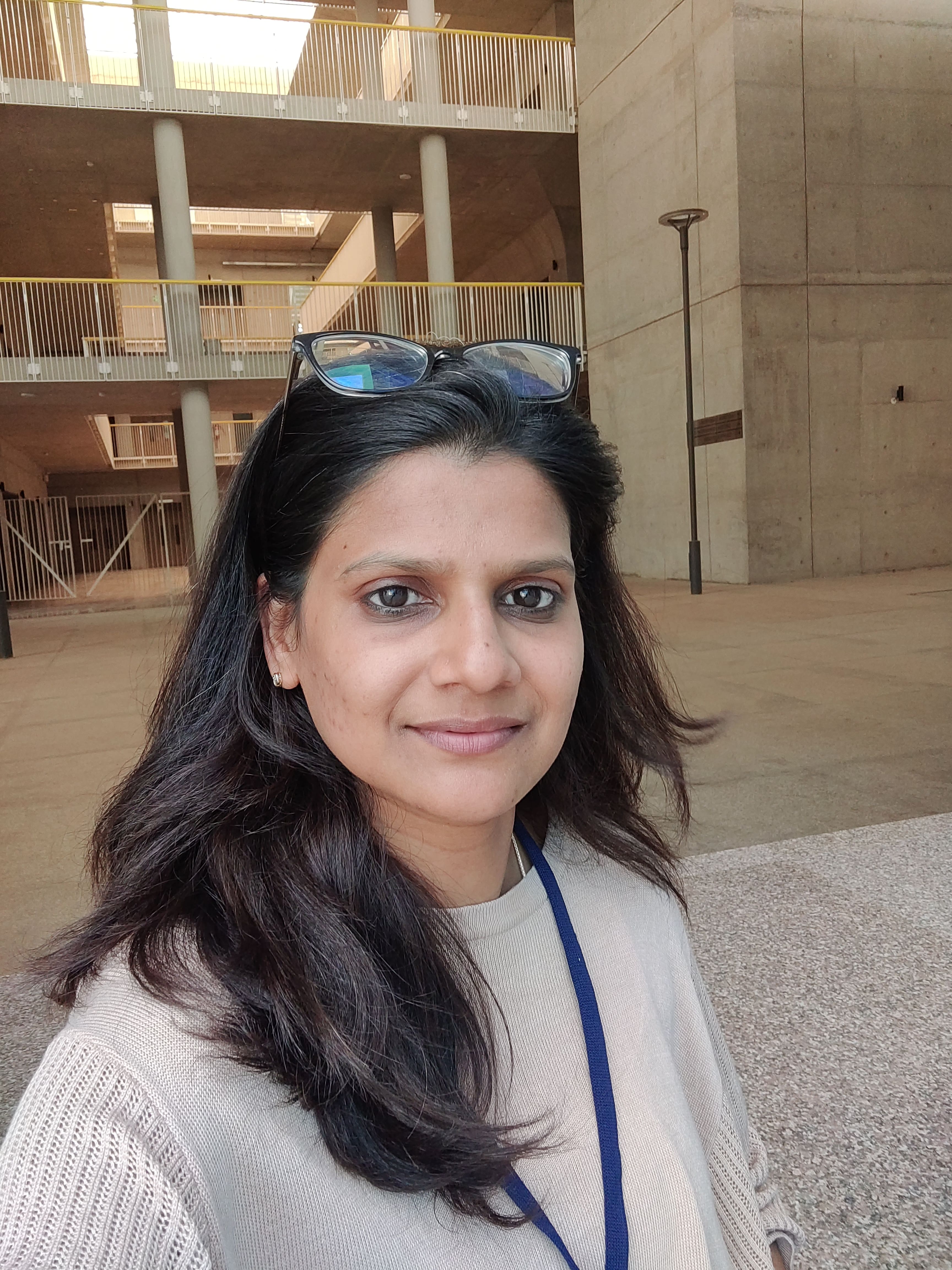
Saloni Sinha
Over 7 years of experience and 4+ years as a UI UX designer. I have worked on Boom application (system-wide audio enhancer and 3D surround sound), which runs across all platforms. Last year, I left QED42 in June and completed PG Certification in Visual Design and User Experience from IIT Hyderabad in Jan 2024.
I always try to be an invaluable asset to the organization, I am a good learner, like to explore my skills and Knowledge, and I love to work in a creative, friendly, as well as systematic and disciplined team.2
- Role
Sr.UI UX Designer
- Years of Experience
4 years
Skillsets
- Animation
- XD
- Workshops
- Wireframing
- Visual Design
- secondary research
- Photoshop
- Journey Mapping
- Interface Design
- Information Architecture
- Illustrator
- hypothesis
- Graphic Design
- Concept Design
- Data Visualisation - 1 Years
- Pattern library
- Atom design system
- Persona
- Empathy map
- Ux audit
- MockUps
- Prototyping
- UI
- User Flow
- Data Analysis
- testing
- Ux
- Data Visualisation - 1 Years
Vetted For
- Roles & Skills
- Results
- Details
 Senior UX / UI Designer (Remote)AI Screening
- 64%

- Skills assessed :Collaboration, Communication, B2B/SaaS, Prototyping, User Research, UX Design, Wireframing, Figma, Strong Attention to Detail
- Score: 58/90
Professional Summary
Sr.UI UX Designer
QED42 EngineeringUI UX Designer
Pickright TechnologyUI Designer
Global Delight TechnologyGraphic Designer
For All Media SolutionsGraphic Designer
Trihedron InfotechGraphic Designer
Talwaniya LabsIntern
Horizon Pixel
Applications & Tools Known

Adobe XD
Adobe Photoshop

Sketch

Adobe InVision

Miro

FigJam

Work History
Sr.UI UX Designer
QED42 EngineeringUI UX Designer
Pickright TechnologyUI Designer
Global Delight TechnologyGraphic Designer
Talwaniya LabsGraphic Designer
Trihedron InfotechGraphic Designer
For All Media SolutionsIntern
Horizon PixelEducation
PG Certification, Visual Design and User Experience
IIT HyderabadDiploma in Animation and Graphic Design
Picasso Animation CollegeBachelor of Arts, Economics
Isabella Thoburn College
Certifications
Pg certification in visual design and user experience
IIT Hyderabad
Interests
AI-interview Questions & Answers
I'm a UI/UX designer. My relevant experience is four plus years, and my total experience is seven plus years. From my last company, my task was to design websites and responsive designs for those websites, and I worked with clients. The solution we provided to the website focused on the user, not declining prospecting in business courses. So, it was a client-based service company, and I have worked on multiple products and websites. I've also worked in a product-based company before that, before QD 42. So, I have worked on two products, Boom and This Matter.
Yes, I worked with B2B SaaS companies in my previous company, QD 52, which I already mentioned. I worked in that company for over two years and six months. So there were several times that I got to work on software products. So it was mainly based on web sites. And so our main focus was on the problems which clients would discuss with us. We would, like, make the website easy to understand for users, because they have to use the website, and make it more intuitive. They would provide us with solutions to the problem. So, yeah, I have worked on these SaaS products.
Yes. So I have worked on two products that are totally focused on huge experiences. One was Canon, the website for wedding photographers. Our task in the US design was to make it so easy and comfortable for both the photographers and the users, couples, newly couples who want to create a good photography experience for their weddings. That was the scene for the Canon website. The problem was to increase users. The second website was the UNICEF Laha website. The problem was that users were not educated, technically also. They could not use digital products easily, especially women and girls from cities and countries that are not well educated. So the design had to be focused on those users, with a more feminine look and less scrolling, less text. They should not read a lot, but figure out the solution through videos and images. So these two products are majorly focused on UX.
I did receive constructive feedback when I was working with Syngenta. So then I worked with Syngenta for 1 year. It was at the same QED company. So this agenda involved data we worked on for products, which were basically for agriculture, farmers, and managers, such as branch managers who manage huge farms. The part I got to design was a dashboard. A few things that were really important for the user to focus on were not very prominent on the dashboard. This was a criticism I received from my manager. Specifically, what I learned from working on the dashboard was how much information you can fit within a limited space, especially the most important information. I also learned how to prioritize and keep less important information hidden, so that users automatically focus on the important parts of the design within that small area. What's important, what's less important, and what can be hidden – that's something I learned from that specific criticism from my manager in Syngenta.
The key components of a design system are like there should be consistency. Right? And it should be accessible to everyone, not just designers, but also developers and other stakeholders. I have worked in the design system, and it was very much easily customizable. So, but only if you can customize it. Not everybody has the right to do that. Well, accessibility and consistency are very prominent, and keeping everything consistent is very important. The naming of layers, for example, is very important because that's how developers search and program in such a way. So, naming is very important in the entire design system or style guide. And these are the things which are very important.
So remote environment. See if so, we mostly use like, if I'm taking an interview remotely in conducting user research, if it's online, then we do it to help them off, you know, over the phone. And sometimes we use Google services, especially if it's one-on-one, we do it over the phone. Otherwise, the Zoom link or Google Meet are good ways to conduct the user research.
Yeah. It's a good question. How do you balance user needs? So our first motive is to understand the users, and because we don't know what they're asking for, there's no way we can get business growth. So if the user is satisfied and they're using your website, they're coming again and again to your website, then definitely you will gain revenue, basically, because you hit the business goal. So somewhere we have to balance it. Not every user requirement is important, so we should take it as a whole and try to balance it. Because sometimes even users don't know what they want. So you have to do the tricky things like introducing some points, some new features to the user groups, and then try to understand what the majority is saying. And then, you know, you see if it is profitable or not. So in this way, I think instead of focusing on one thing, whether it's in school or user need, let's take a step back. Each thing balances the other. So that's very important. So yeah.
I focus on majorly what they are looking for and try to introduce things from their point of view as well, and focus on the profit they could get from this design or the solution I'm providing. Instead of saying I think that, I think we should say if you do it this way, there might be more profit instead of doing it that way. So just tell them the profit they would be getting with the design process, rather than forcing your point of view and your conditions on them.
This is something which I explained in the question. So what I learned from my manager, from my experience is when there is complex data that we have to present in a user interface, the dashboard or mobile application because these are the things which are very concise, very small, so and very limited to space. So I think the most important information along with the action button should be kept on the top so that users can focus on that without putting extra efforts. So there are some ways, like, giving extra focus on contrast or putting it in such a way where users should not spend lots of time clicking on the button or the color of the button or the text if it is very important, or sometimes making it larger or putting it in such a way so that it should look important. This is less important. It could be hidden. And if I want something extra, then I think I can click on that button and then read the history of the information. So that is how we show the complexity in user interface.
I think the easy way to say, if I were given a chance to redesign a complex form, I would try to, first of all, focus on the typography, put good white space between the content and the forms, the input boxes, and give clear error messages, to make it very easy and easy to understand for the user. And, I would try to provide information that creates the form in such a way so that users wouldn't get confused. Instead, they would click only where they're supposed to click. So, I would use clear, big buttons and clean typography, with good space in between the input boxes. I think this is the best way to provide the information to create a complex form.
Waiting for a dashboard. Since the dashboard is a part of most websites or concepts, it's a major part of some website or clue or concept. So, if it does well, the color scheme is mostly what I do, like, and then if I'm selecting an appropriate color for the dashboard, I try to check the client, the kind of industry it is. So, it's supposed to be an enterprise-level client. So, I'll try to use very reliable, post-blue colors and black, which is bold. It depends on the industry also. Not like something like yellow or pink or orange because it shows the mood of the industry.